TRUSTED BY













Automated Refunds
For Happy Customers
Speed up return processing and keep customers coming back with instant, transparent refund mechanisms.
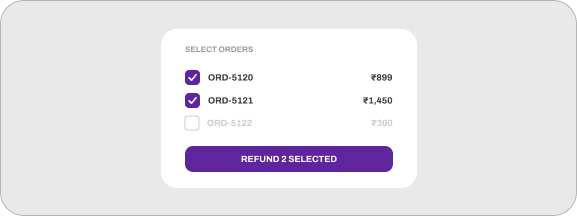
One-Click Bulk Refunds
Process single or batch refunds directly from your merchant dashboard in seconds.
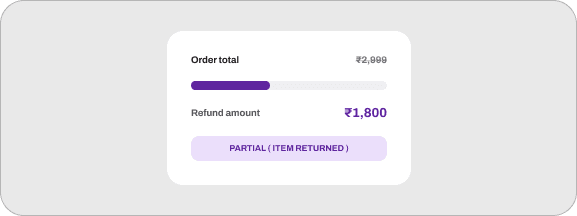
Partial & Custom Refunds
Easily issue partial refunds for partial order cancellations or price adjustments.
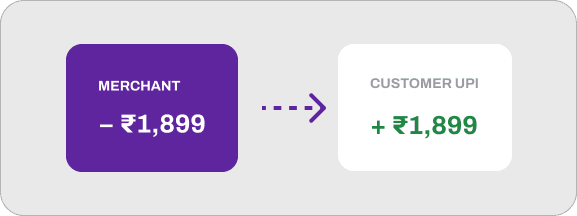
Instant UPI Refunds
Credit money back to customers instantly when they originally pay via UPI.
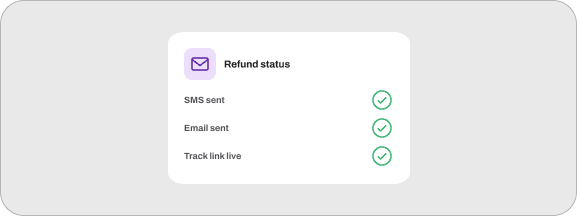
Automated Status Sync
Keep customers informed via SMS and email with live tracking links for their refund status.
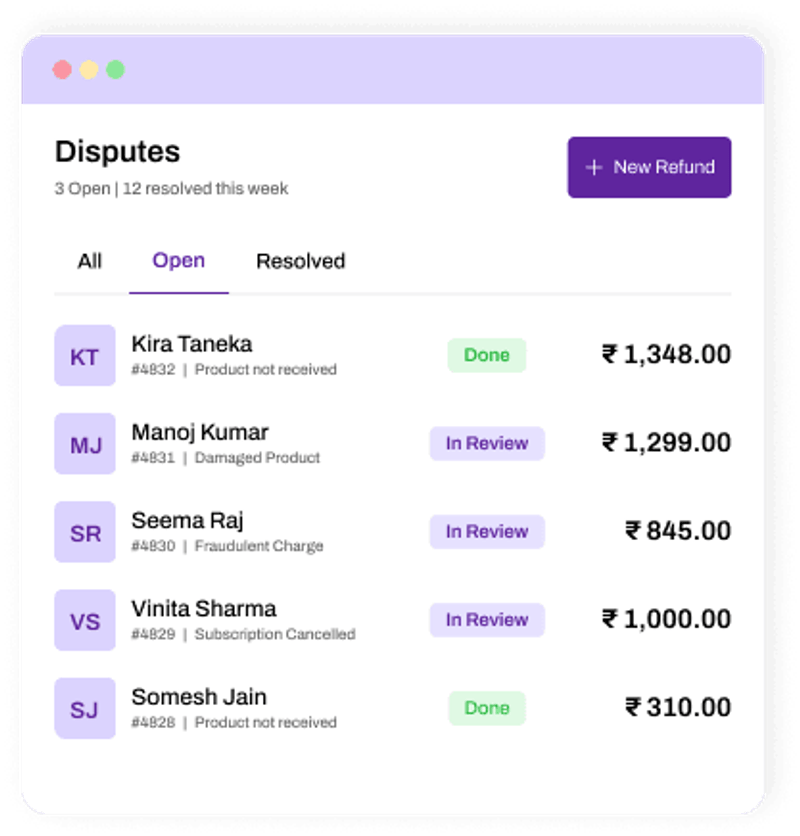
Smart Chargeback
Management
Defend your business against unfair chargebacks and handle banking disputes with clear, step-by-step evidence uploading.
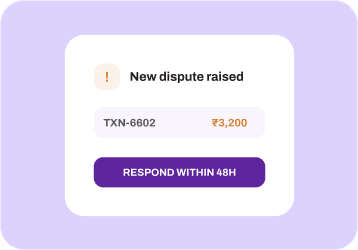
Instant Dispute Notifications
Receive immediate alerts whenever a customer or bank raises a chargeback claim.
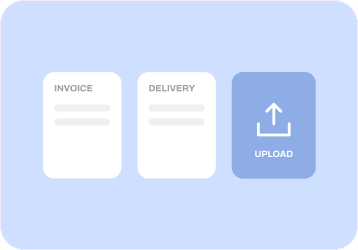
Easy Evidence Submission
Upload digital invoices, delivery proofs, and logs directly through your dashboard to contest claims.
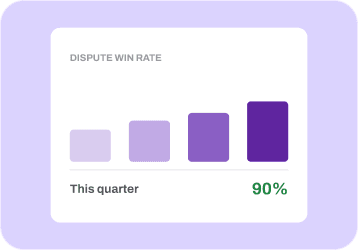
Win-Rate Analytics
Track dispute trends and bank resolution rates to minimize fraudulent claims over time.
RBI-Compliant Workflows
Built around standard banking rules to ensure fair and speedy dispute resolutions.
Trusted by
India's Largest Online Brands
Trusted by India's
Largest Online Brands

"In E-commerce, the right Payment Gateway partnership is crucial. PhonePe PG streamlined our Payments, & reduced cart abandonment. PhonePe PG exceeded our expectations with a top-notch product & impeccable support.”
Suman Patra
Co-founder


"redBus is committed to redefining travel through technology. Collaborating with PhonePe PG allows us to leverage their robust Payment infrastructure, ensuring reliability and innovation for millions of our customers.”
Rithish Saralaya
SVP Engineering


"Our partnership with PhonePe Payment Gateway has been seamless and highly efficient. Their robust tech, smooth integration, & reliable support played a key role in enhancing our customer experience. We truly value this collaboration.”
Vikash Goyal
CSO


"As GIVA expands, a trusted Payment partner at every touchpoint is vital. PhonePe PG offers us reliability across our national stores and on our app. Their support scales with our growth, and that consistency makes all the difference for us.”
Ishendra Agarwal
Founder


"Our partnership with PhonePe PG has been a pivotal factor in our success story. With PhonePe PG's user-friendly interface and seamless Payment processing, we can continue delivering exceptional service to our valued customers.”
Ritu Shah & Minita Parekh
Co-founders


"Partnering with PhonePe Payment Gateway enabled us to expand our D2C business and transform period care across India. Its seamless integration and dependable partner support means our online customers' experience lives up to our brand's Zero Irritation promise.”
Ravi Ramachandran
Co-Founder & CEO

Comprehensive Solutions
Comprehensive
Solutions
To keep your Business Ahead of the Rest

Automate flexible subscriptions for steady cash flow.
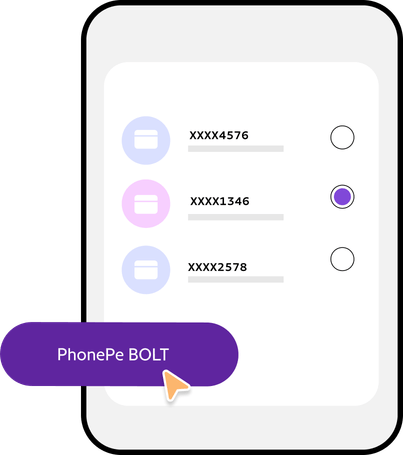
Faster, error-free checkouts using tokenized cards boost revenue.

Accept International Payments, simplify growth.

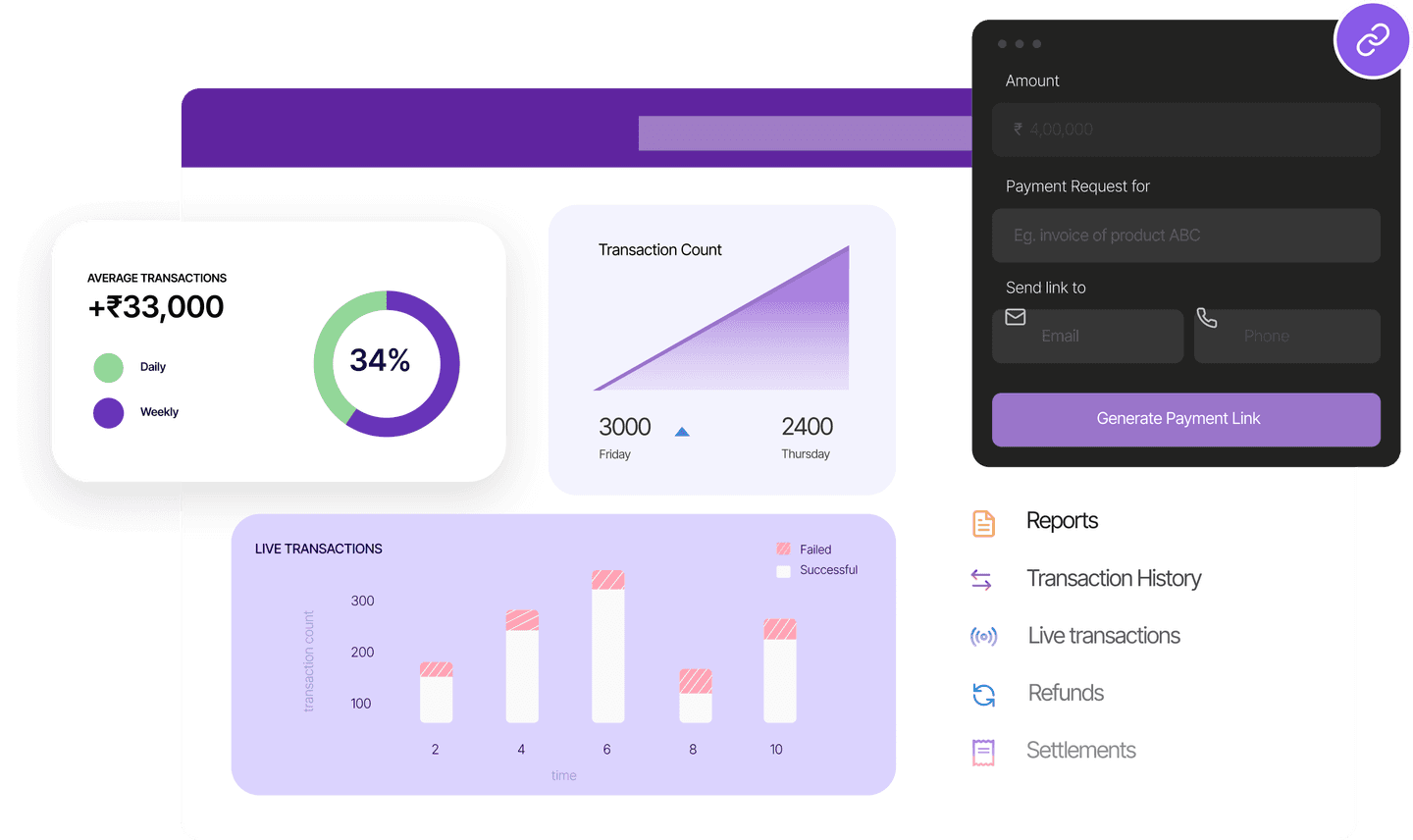
Send Payment links (WhatsApp/SMS/Email), get paid instantly

Dynamic QR codes enable UPI, reducing errors and boosting success.

Digital doorstep Payments replace COD, cutting cash handling costs.






Refunds FAQs
How do merchants initiate full or partial refunds through PhonePe PG?
Merchants can initiate refunds programmatically using the PhonePe Refund API or manually via the PhonePe Business Dashboard. Both full and partial refunds are supported against any completed transaction. To trigger a refund via API, you send a POST request containing the original merchantOrderId (or PhonePe providerReferenceId), a unique merchantRefundId, and the refund amount.
What are the standard refund processing timelines across payment instruments?
Once a refund is approved and initiated by the merchant, the processing timeline depends on the payment method used during checkout:
- UPI: Typically instant or resolved within 24 to 48 hours.
- PhonePe Wallet: Instant credit back to the user's wallet balance.
- Credit/Debit Cards: 3 to 7 business days, depending on the issuing bank's clearing cycle.
- Net Banking: 3 to 5 business days, subject to the customer's bank settlement rules.
How does PhonePe PG handle chargeback disputes and evidence submission?
When a customer files a payment dispute or chargeback through their issuing bank or the UPI UDIR framework, PhonePe PG alerts the merchant via dashboard notifications, email, or webhooks. Merchants are given a set SLA window (typically 3 to 5 business days) to submit compelling evidence—such as proof of delivery, invoice copies, or service fulfillment logs through the PhonePe Business Dashboard. PhonePe's dispute operations team then represents the case to the card network or bank.
What should you do if a refund request returns a PENDING status?
A PENDING status means the refund instruction has been accepted by PhonePe PG, but final confirmation from the destination bank rail is still in progress. You should not re-initiate the refund immediately, as doing so can trigger duplicate request errors. Instead, query the Refund Status API periodically or listen for refund webhook callbacks to receive the final SUCCESS or FAILED state.
How do merchants initiate full or partial refunds through PhonePe PG?
Merchants can initiate refunds programmatically using the PhonePe Refund API or manually via the PhonePe Business Dashboard. Both full and partial refunds are supported against any completed transaction. To trigger a refund via API, you send a POST request containing the original merchantOrderId (or PhonePe providerReferenceId), a unique merchantRefundId, and the refund amount.